Get started with Cascade AI in minutes
Follow this step-by-step guide to set up your AI-powered chatbot, upload your knowledge base, and start helping customers instantly.
4 Simple Steps to Launch
Complete setup in under 30 minutes and start delivering instant, accurate answers to your customers.
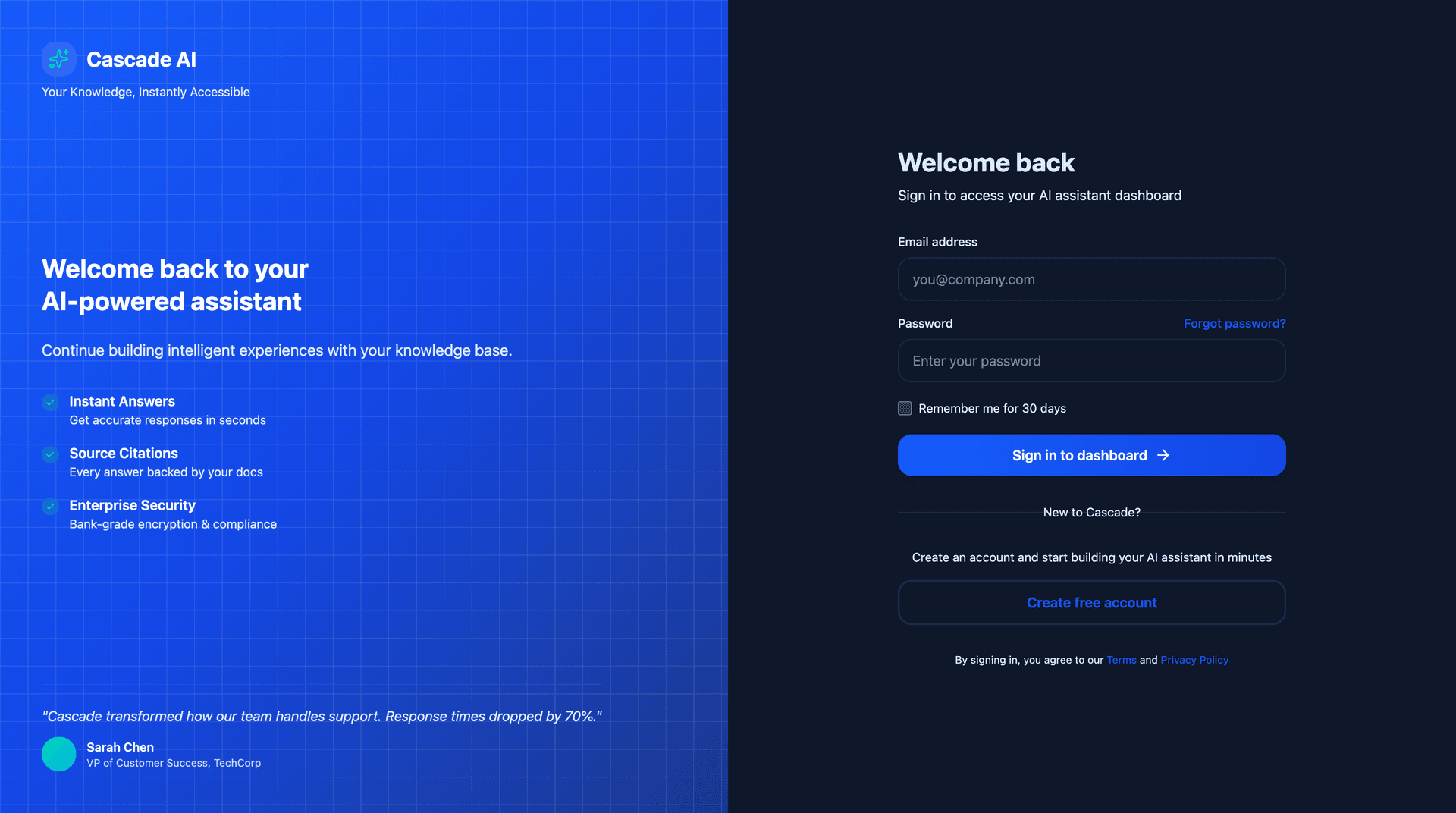
Create your account
Sign up for Cascade and create your workspace. No credit card required to get started with our free trial.
Upload your knowledge base
Add your documentation, FAQs, and support content. Cascade automatically processes and indexes your content for instant retrieval.
Screenshot coming soon
Configure your chatbot
Customize the chatbot appearance, set welcome messages, and configure behavior to match your brand and workflow.
Screenshot coming soon
Deploy to your website
Add the widget snippet to your site and start helping customers instantly. Track performance through your dashboard.
Screenshot coming soon
What you'll build
Cascade provides everything you need to create an intelligent, branded chatbot for your business.
Dashboard Overview
Monitor conversations, track performance metrics, and gain insights into customer queries.
- Real-time conversation analytics
- Message volume and response metrics
- User satisfaction tracking
- Popular questions and topics
Knowledge Base Management
Easily manage your content sources and keep your chatbot knowledge up to date.
- Drag-and-drop file uploads
- Support for PDFs, docs, and web pages
- Automatic content indexing
- Version control and updates
Widget Customization
Make the chatbot widget match your brand with complete customization options.
- Custom colors and themes
- Branded welcome messages
- Position and size controls
- Light and dark mode support
Embed the widget in seconds
Add this simple code snippet to your website before the closing </body> tag. The widget automatically inherits your theme and workspace configuration.
Works anywhere
Compatible with all modern websites and frameworks
Auto-updates
Widget improvements deploy automatically, no code changes needed
Fully customizable
Control position, colors, messages, and behavior via dashboard
<script
  src="https://widget.numeraz.cloud/cascade-widget.umd.cjs"
  data-tenant-key="your_api_key_here"
  data-theme="auto"
  data-lang="en"
></script>
Tip: Add data-position="bottom-right" to control placement.
Launch checklist
Complete these tasks to ensure a successful deployment and maximize the value of your AI assistant.
Invite your team
Add team members and assign roles for content management and monitoring
Set up fallback responses
Configure what happens when the chatbot can't find an answer in your knowledge base
Enable analytics alerts
Get notified about conversation spikes, low satisfaction scores, or knowledge gaps
Test the widget
Try the chatbot on your staging site and verify it responds accurately to common questions
Monitor initial feedback
Check conversation logs and user ratings during the first few days to optimize responses
Need help? Our onboarding team will co-pilot your first deployment and share best practices tailored to your audience. Contact us
Dig deeper with these resources
Everything you need to integrate Cascade into your product and workflows.
Ready to get started?
Create your account and start building your AI assistant today. No credit card required for the free trial.